This is what a photo can become.
Kitana gives you fourteen AI tools in one app — thirteen for photos like avatars, headshots and restoration, plus one that turns a still into video. Pick a tool, add a photo, get a finished result back — or try it in the browser first.
- No sign-up to start
- 2 free creations a day
- Results in under a minute
- iOS and Android
Create a free account
Keep your creations, pick up where you left off, and use the free plan on any device. No card.
Already have an account?
By continuing you agree to the Terms of Use and Privacy Policy.
What each tool makes
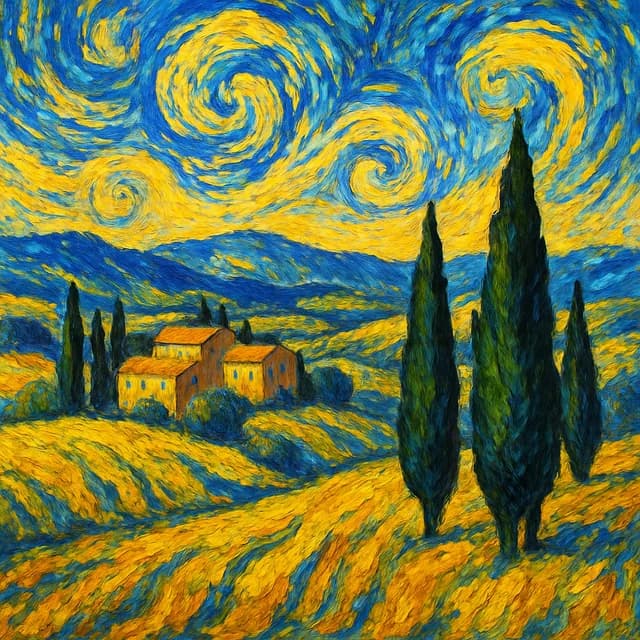


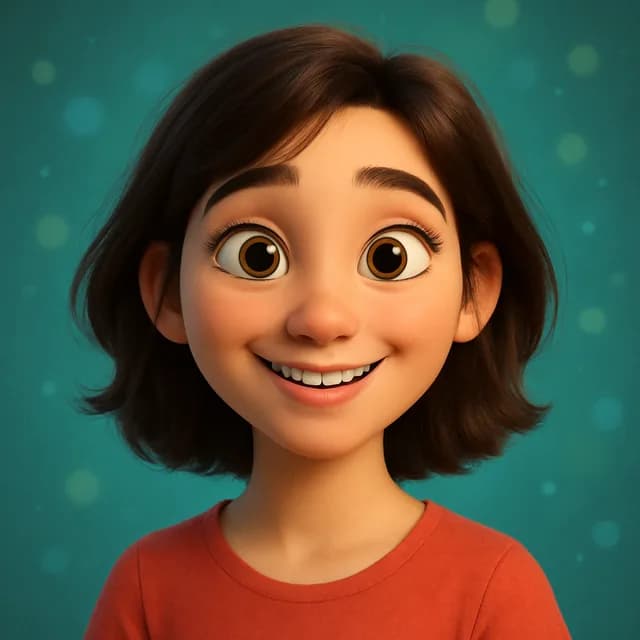
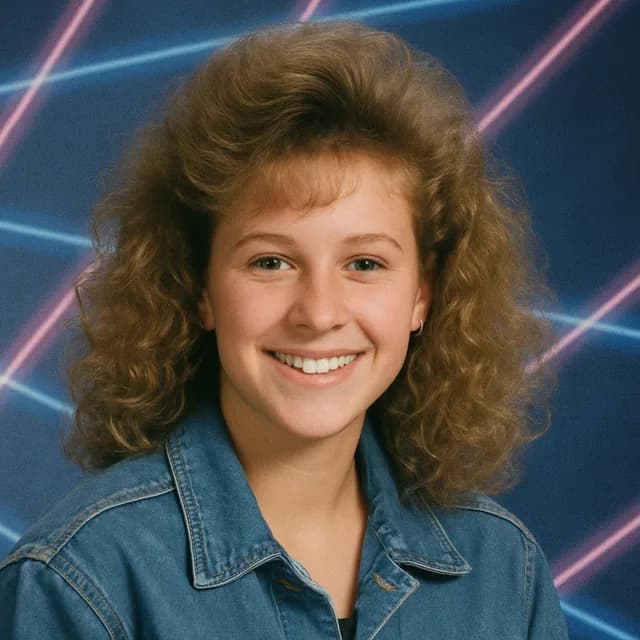
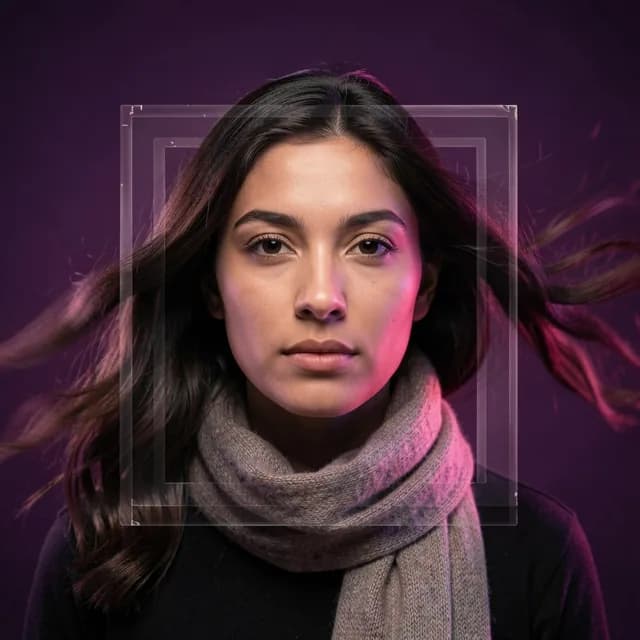
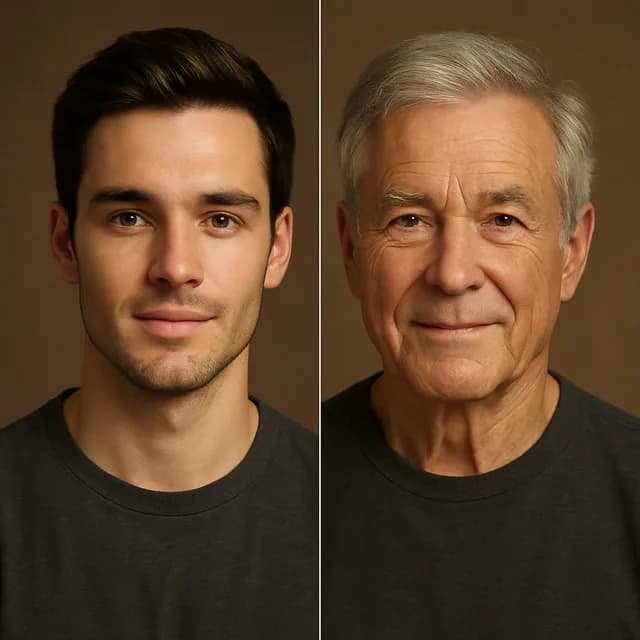


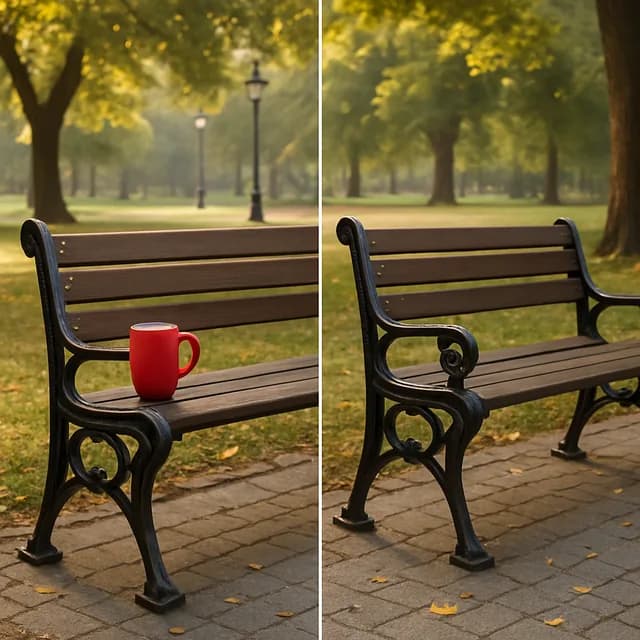
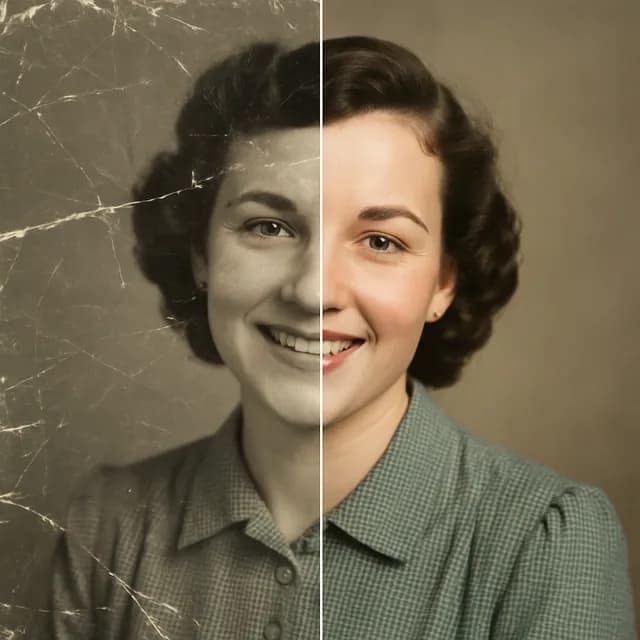
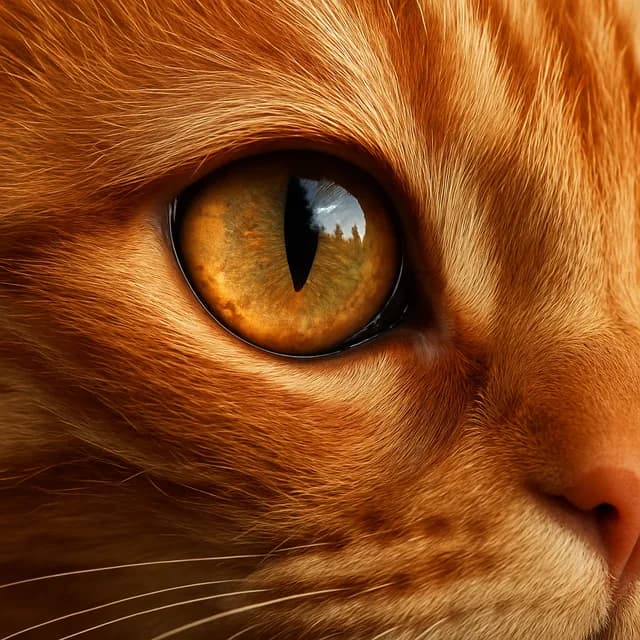


Examples of what each tool produces. Everything Kitana makes is AI-generated.
14
AI tools
Avatars, headshots, restoration, video.
2 a day
Free, no sign-up
One every 4 hours. No card.
< 1 min
Most results
Video takes a few minutes — we'll ping you.
Need more room than the free plan gives? Compare the Kitana Pro plans — or read how the daily limits work.
Your photo becomes the first frame
Pick a photo, choose the motion — a slow push in, a gentle drift, wind moving through hair — and Kitana animates it into a short vertical clip, sized for Reels, TikTok and Shorts. Same face, same room, now moving.
How Photo to Video worksQuestions
- Is Kitana really free?
- Yes. Kitana's 13 photo tools are free to try. On the web you get one image without an account, and signing up keeps your creations. After that the free plan is up to 2 photo generations a day, one every 4 hours. After that the free plan is up to 2 photo generations a day, one every 4 hours, and Kitana Pro is up to 6 a day with no waiting. Photo to Video is part of Kitana Pro — 10 clips a month at four seconds and 768 × 1344.
- Do I need any design or editing skill?
- No. Pick a tool, add a photo, and Kitana does the rest. There's nothing to learn — most results are ready in under a minute.
- What happens to the photos I upload?
- Kitana's Privacy Policy explains how uploaded photos are processed, stored, and shared with the AI providers used to generate your result. Read the Privacy Policy.
- Can I use the results commercially?
- Kitana's Terms of Use describe the usage rights and restrictions that apply to AI-generated images. Read the Terms of Use.
Ready to see yourself reimagined?
Download Kitana free and create your first AI photo in under a minute.