Turn any photo into a video
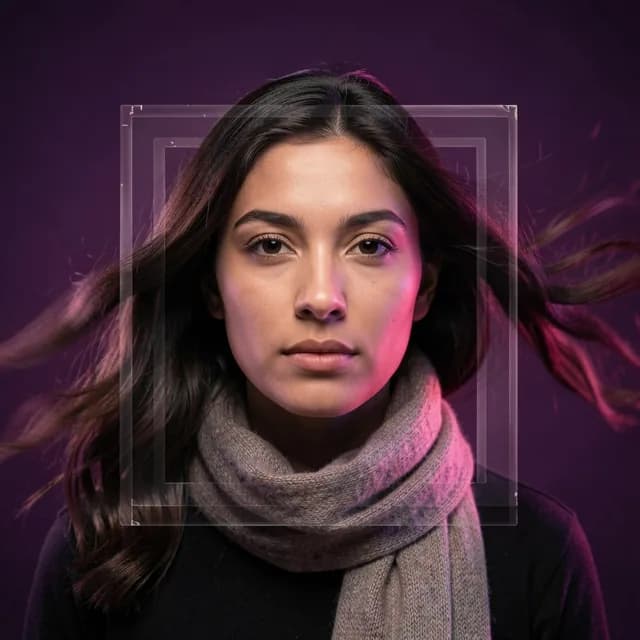
Photo to Video takes one still and animates it into a short, natural-looking clip — the same face, the same scene, just moving. four seconds, vertical, ready to post. Start from your camera roll, or make the still first with the AI photo tools or in the browser studio.
Video is a Pro feature
Photo to Video is part of Kitana Pro — 10 clips a month at four seconds and 768 × 1344. Video is made in the app; the browser studio covers the photo tools.
See Pro plansWant the photo tools instead? They are free to start — free to try in the browser, no card needed.
Pro gets 10 a month · iOS and Android
How it works
- 1
Pick a photo
Any photo from your camera roll — a selfie, a portrait, a landscape.
- 2
Describe the motion
A slow push in, hair moving in the wind, light shifting. Or just leave it to us.
- 3
Post it
Get a four seconds vertical clip, sized for Reels, TikTok, and Shorts.
What makes the clips hold up
Your photo is the first frame
The clip continues the moment already in your photo. Same face, same clothes, same room — it just starts moving.
Movement that looks real
A slow camera drift, natural breathing, hair and fabric catching the air. No morphing, no cuts, no uncanny warping.
Built for vertical
768 × 1344, four seconds, no letterboxing. It lands on a phone screen the way it was made.
Photos and video in one app
Make the image with one of Kitana's 13 AI photo tools, then animate it — without exporting to a second app.
See the photo toolsQuestions
- What kind of photo works best?
- A sharp photo with a clear subject and some depth behind it. Portraits and half-body shots animate especially well; heavily cropped or blurry photos give the model less to work with.
- How long does a video take?
- A few minutes. You don't have to wait on the screen — tap Notify Me and Kitana pushes the finished clip to your phone, even if you close the app. More on waiting times.
- How long are the videos?
- Four seconds, vertical, with sound off. That length loops cleanly on Reels, TikTok, and Shorts.
- Is AI video free?
- Photo to Video is part of Kitana Pro — 10 clips a month at four seconds and 768 × 1344. Video is made in the app. The 13 AI photo tools are free to try: On the web you get one image without an account, and signing up keeps your creations. After that the free plan is up to 2 photo generations a day, one every 4 hours. Compare the plans.
- Is it obvious the video is AI?
- Everything Kitana makes is AI-generated, and there's a report button on every result. What you post is up to you, but we don't hide what it is. How your photo is handled.
Make your first video tonight
Download Kitana, pick a photo, and watch it move. The 13 AI photo tools come with it.